Signals by SurendraAlgo
Link your SurendraAlgo account with TradingView/ChartInk and power your trades with indicator based strategies.
At SurendraAlgo we are constantly working to help you find the edge in your trades. This new product will help you in connecting your TradingView/ChartInk accounts with SurendraAlgo and executing your strategies the moment an indicator is triggered.
It’s really simple!
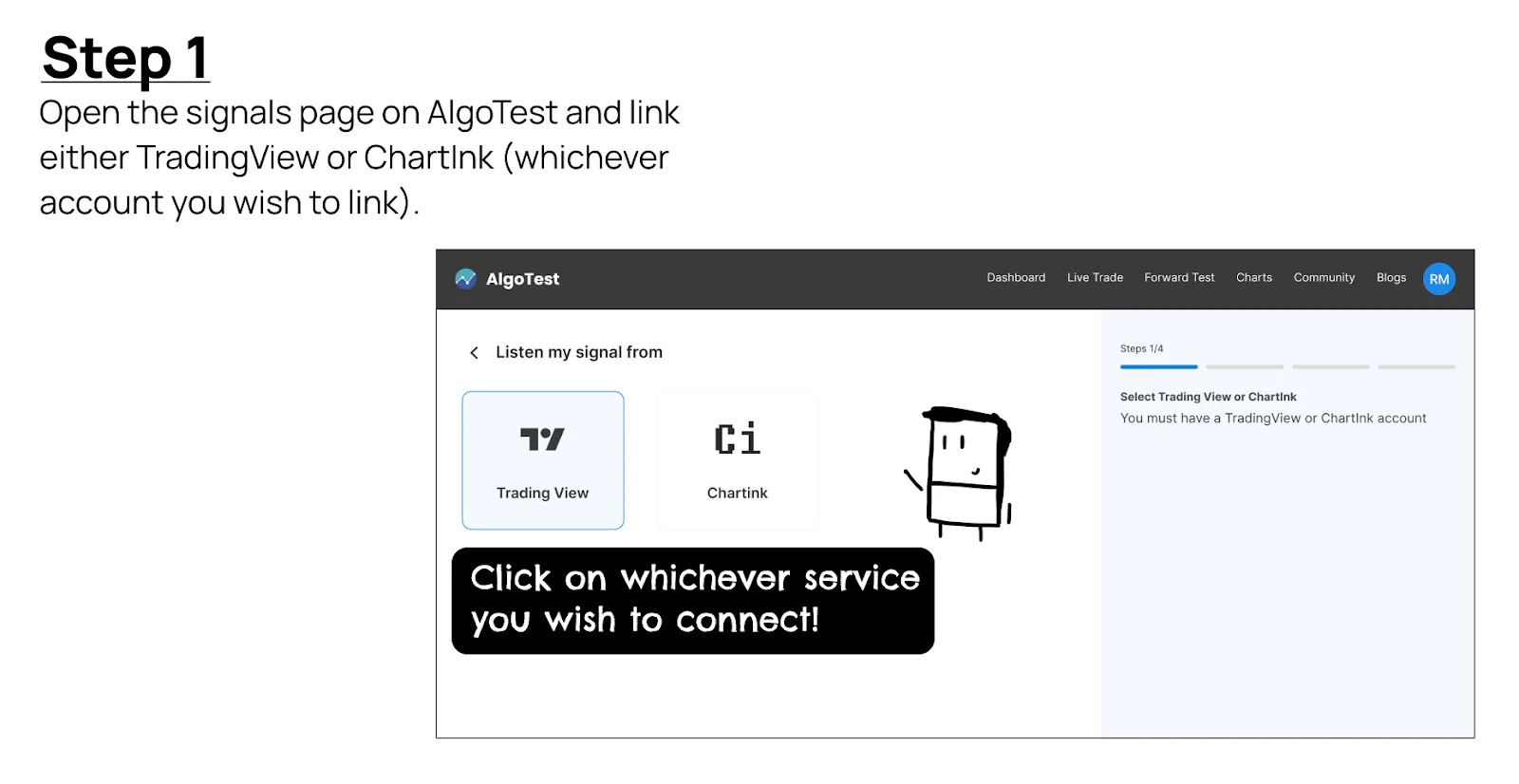
Step 1
Open the signals page on SurendraAlgo and link either TradingView or ChartInk (wherever you have an account).
Step 2
Create your strategy on SurendraAlgo.

Step 3
This is what the Create Strategy page looks like! You can choose through a bunch of options here.

Step 4(a) and 4(b)
Follow the steps to connect TradingView with your strategy.
OR Follow the steps to connect ChartInk with your strategy.

Step 5
Once you have created your strategy, this is how the live trade signal page will look like!

Step 6
Once you have created your strategy, this is how the Forward Test Signal page will look like!

This is not it. Now, you can automate your trading strategy and can save time and eliminate the need to monitor the markets constantly. With Chartink and SurendraAlgo, you can set up your strategy to execute trades automatically.
Here are a few strategies you should check out:
- Boss Scanner For BTST
- Strong Stocks
- Perfect Sell (Short)
- N7 Current Day
- Buy Entry Intraday
- Morning Star Candlestick Pattern
- Intraday Sell
- Bullish Engulf
- Profit Jump by 200%
- Large Cap Stocks
- Potential Breakouts
- Small Cap Stocks
- Mid Cap Stocks
- Sales Jump by 200%
- Stock Screener open=high;open=low
- Stocks Below Book Value - Undervalued
- Highest Earning Per Share
- Low Debt Companies
- Penny Stocks
- 52-week Low
Now you have more options on how to trade on SurendraAlgo.